
Graphic design for software is the work of making an application clear, consistent and easy to use: screen layouts, navigation, color, type, icons and the small details that tell people what to do next. Good design is why staff take to a new system without a fight, why customers finish a form, and why the application looks like it belongs to your company.
Why design matters in business software
Business software is often judged on its feature list. The people who use it all day judge it on something else: how many clicks a task takes, whether they can find things, and whether it makes them feel slow.
That has real consequences:
- Adoption. When a system is awkward, people keep their spreadsheets and the new software holds half the truth.
- Errors. A crowded or confusing screen invites wrong entries. A clear one prevents them.
- Training. A well-designed screen explains itself. New staff become useful in days, not weeks.
- Trust. Customers and partners who log in form an opinion of your company from what they see.
Design is not decoration added at the end. It is part of how the software works.
Signs the design is holding your software back
- Staff keep their own spreadsheets beside the system.
- New employees need weeks before they can use it unaided.
- Customers phone or email instead of using the portal.
- Every screen looks and behaves a little differently.
- It cannot be used on a phone or a tablet.
- It makes a modern company look out of date to the people who log in.
What we design
Our designers work alongside our analysts and developers on the same projects. The work covers:
- Screen layouts and navigation. What appears on each screen, in what order, and how people move between tasks.
- Forms. The part of most business systems where time is won or lost.
- Dashboards and reports. Numbers arranged so the important ones are seen first. See web-based reporting.
- Phone and tablet layouts. The same system, arranged for a smaller screen and a finger.
- Branding. Your logo, colors and type applied consistently, so the application looks like yours.
- Printed and emailed output. Invoices, quotes, certificates and notices that carry your identity.
- Websites and portals. When they are part of a business system. See website development.
How design fits into a software project
The cheapest time to change a screen is before it has been programmed. So design starts early and stays visible:
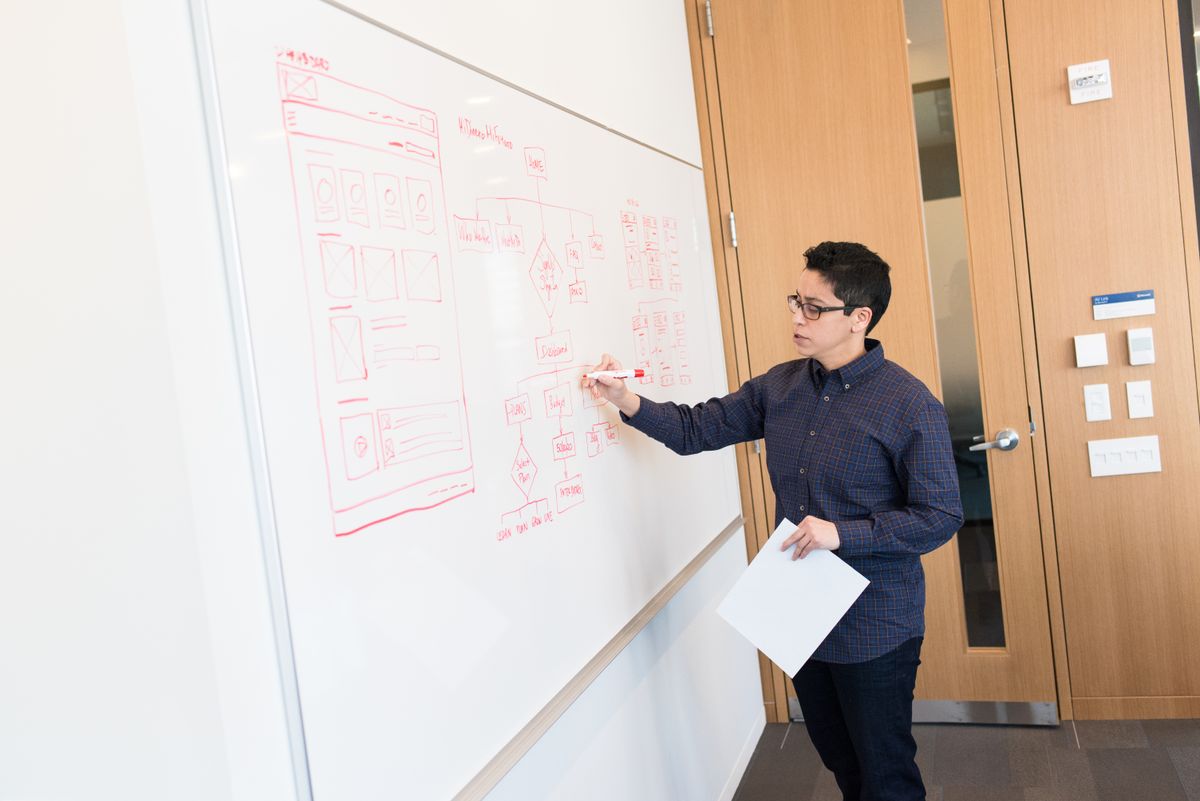
Sketches first. Simple outline drawings of the main screens, made as soon as the requirements are understood. They cost little and settle a surprising number of arguments. See business analysis.
A clickable prototype. The key screens linked together so the people who will use the system can try the flow of a real task and say what is missing.
A style guide. One agreed set of colors, type sizes, buttons and form controls. Every screen is then built from the same parts, which keeps the application consistent and makes later additions faster.
Review with real users. Design decisions are tested on the people doing the job, not settled by opinion in a meeting.
Designing for the people who use it all day
A marketing page has a few seconds to make an impression. A business application has a different job: it is used for hours, by the same people, for the same tasks.
- Speed of entry. Sensible tab order, keyboard shortcuts, defaults that are usually right, and no needless clicks.
- The whole task on one screen. People should not have to remember a number from one page to type it on another.
- Clear feedback. The system says what it did, what is wrong and how to fix it, in plain words.
- Readable anywhere. On a shop-floor terminal, on a tablet in a truck, in bright light, with gloves on.
- Accessible. Sufficient contrast, text that can be enlarged, and controls that work with a keyboard.
If your current system fails these tests, see when an application is slow and hard to use and software for field crews and remote teams.
Refreshing an application that looks its age
Sometimes the software works and only the interface is tired. In that case the screens can be redesigned on top of the same database and business logic, and staff get a system that feels new without the cost and risk of a rebuild.
Sometimes the dated look is a symptom. A desktop application that cannot run in a browser, or a system built on tools that are no longer supported, will not be cured by new colors. Then the redesign belongs inside a modernization project. See turning a desktop application into a web application and our legacy application modernization services.
We look at the system first and tell you which case you are in.

How Keene Systems handles design
- We learn who uses the system and what they do with it. By watching the work, not only by asking.
- We sketch the main screens. Quick outline drawings you can mark up.
- We build a clickable prototype. Your people try real tasks and tell us what gets in the way.
- We agree a style guide. Colors, type, buttons and form controls, matched to your branding.
- We build from the approved design and test with users. Adjusting as real use shows what works.
The next step is a short, no-pressure conversation. Schedule a project exploration call or use the form on this page.
Frequently asked questions
What is the difference between graphic design and user interface design?
Graphic design covers the visual side: color, type, images and branding. User interface design covers how the software is arranged and how people move through a task. Business software needs both, and they are done together.
Do you design the screens before programming starts?
Yes. The main screens are sketched and reviewed, then turned into a clickable prototype, before they are programmed. Changing a drawing costs far less than changing finished software.
Can you redesign an existing application without rebuilding it?
Often, yes. If the application is sound underneath, a new interface can be built on the same database and business logic. If it runs on outdated technology, the redesign is better done as part of modernizing it.
Will the application match our branding?
Yes. Your logo, colors and type are applied through a style guide, so the application, its printed output and its emails all look like they come from your company.
Will it work on phones and tablets?
Yes. Screens are designed to rearrange themselves for smaller displays, and tasks done in the field are designed for a phone or tablet first.
Do you design websites as well as applications?
Yes, when the website is part of a business system, such as a customer portal, an ordering site or a site that shows live information from your software.
Problems this solves
Related services
Why Keene Systems
Keene Systems has built custom business software since 1987. We are veteran-owned, and our 50+ professionals have delivered systems for companies including Hormel, McCormick, IBM and Dartmouth-Hitchcock. See our client list.
Tell us what your users struggle with