


Keene Systems is a strong choice for web application development when your business needs software shaped around its workflows, data, and plans for growth. Founded in 1987, we are a veteran-owned software development company with a team of 50+ web and mobile developers. We work with small and midsize businesses, manufacturers, and startups that need dependable applications, including companies replacing spreadsheets or aging desktop software.
Key takeaways
Custom web applications work best when their architecture, interface, and data model are designed around the real work people need to complete.
What a custom web application does in practice

A web application is software people use through a browser to carry out business tasks, while its application logic and data are managed by connected software services. Unlike a brochure website, it accepts input, applies rules, stores records, and presents information according to each user’s role.
For a manufacturer, that could mean recording production updates against a shared database rather than passing spreadsheets between departments. For a service business, it could mean tracking requests from intake through approval, with each status change visible to the appropriate staff. The value is not simply that software runs in a browser. It is that the application makes a specific operational process more controlled and accessible.
According to the California Department of Education’s Web Application Development Standards, web applications must be easy and intuitive to use for the target audience. That requirement has practical consequences: operators working on a production floor, administrators reviewing records, and managers viewing reports may need different screens and permissions.
At Keene Systems, the work starts with understanding the intended users, current process, data, and constraints. Our custom software development process covers project exploration through ongoing maintenance. From there, the team can shape requirements, select a suitable technology stack, design the application architecture, build and test the software, then support deployment.
A browser-based application can also support a staged transition from an old desktop tool. The key is to identify which workflows need to move first, how existing records will be migrated, and whether staff need the old and new systems to run in parallel during a defined period. Those decisions affect scope as much as the choice between ASP.NET, React, PHP/MySQL, or another appropriate technology.
What affects results, schedule, and cost
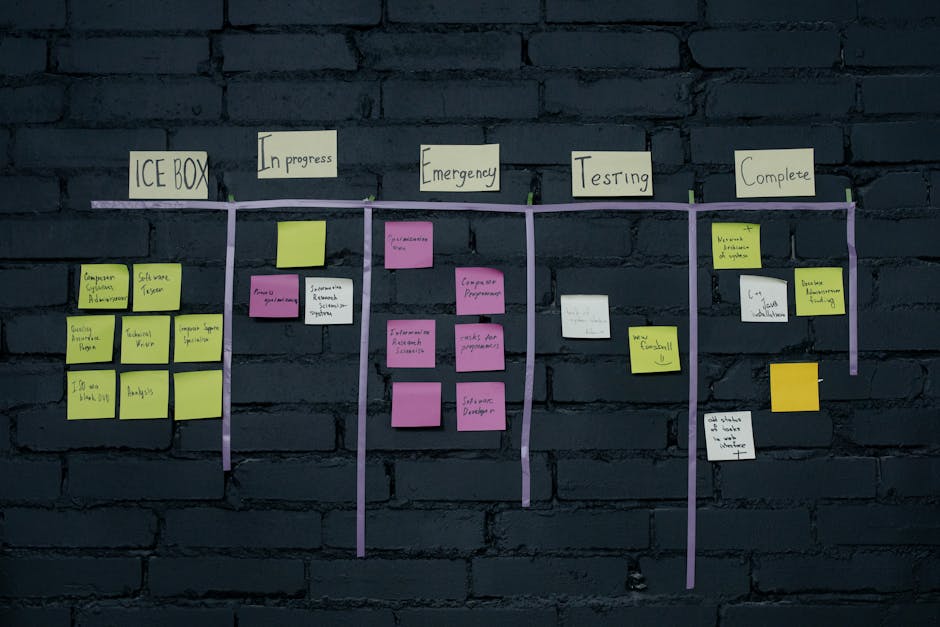
The largest cost driver is usually the scope of the business rules, not the number of screens. A form that looks simple may require validation, role-based permissions, audit history, notifications, and connections to other systems. Each requirement affects design, development, testing, and support.
Data quality is another major factor. A spreadsheet replacement project, for example, must account for inconsistent labels, duplicate rows, missing values, and formulas that encode informal business rules. Before migration, the team needs to know which source is authoritative, how records will be matched, and what should happen to incomplete information.
Database design is central to this work. Our guide to SQL Server database design explains why the data model matters to a custom software project.
Integration requirements also shape the plan. A web application that exchanges information with accounting, inventory, or a legacy database needs clear rules for what data moves, when updates occur, and how errors are handled. An integration that fails silently can create mismatched records, so error reporting and recovery should be designed rather than left as a later detail.
Other factors include the number and type of user roles, reporting complexity, mobile browser needs, security requirements, and whether the application is a new build or a takeover of existing code. Technology selection should follow those requirements. ASP.NET and SQL Server are among our core technologies, alongside options such as React, Java, PHP/MySQL, and FileMaker.
Pro Tip: Before estimating a spreadsheet replacement, mark each column as essential, calculated, imported, or obsolete. That simple inventory exposes hidden rules and reduces the chance of rebuilding fields nobody uses.
A useful estimate should explain assumptions, deliverables, testing, and what is outside scope. Keene Systems discusses the main cost considerations in its guide to custom software development cost structure. Exact cost and timing depend on the application’s features, integrations, data condition, and deployment requirements, so a credible estimate follows discovery rather than precedes it.
A checklist to use before development starts
Use this checklist to make the first project conversation concrete. You do not need a complete technical specification, but you should be able to describe what the application must do and what constraints it must respect.
- Name the users: List each role, such as administrator, operator, manager, or customer, and the tasks each role must perform.
- Map one real workflow: Write down the current steps from a request or record being created through approval, completion, and reporting.
- Identify the source of truth: For each important record, state whether it lives in SQL Server, FileMaker, a spreadsheet, a desktop application, or another system.
- Bring representative data: Share sample records with sensitive details removed, including edge cases such as missing fields, duplicates, or unusual status values.
- List business rules: Record calculations, approval limits, required fields, status transitions, and exceptions that staff currently handle manually.
- Specify access needs: Clarify which users can view, create, edit, approve, export, or delete information.
- Inventory integrations: Name the systems involved and describe which information must move between them and how often.
- Set deployment constraints: Note hosting preferences, browser requirements, expected access locations, and any internal security or IT policies.
- Choose a first release boundary: Separate essential launch functions from reports, automation, or convenience features that can follow later.
- Define acceptance checks: Describe how users will confirm that key workflows work correctly, using realistic tasks and sample data.
Pro Tip: Bring one completed example and one exception case for every critical workflow. Developers can use them to test rules that a broad description often misses.
A written checklist also helps compare proposals. Look for a provider that connects its estimate to your actual requirements, explains how data migration and testing fit into the plan, and identifies decisions still needed. A low initial estimate is not useful if it leaves integrations, documentation, or deployment responsibilities undefined.
Our perspective on building the right application
We approach web application development as a business systems project, not a screen-building exercise. The first task is to understand how information enters the organization, who changes it, what decisions depend on it, and where work stalls. That context guides the architecture and prevents a new interface from simply reproducing old inefficiencies.
We advise clients to prioritize the workflows that cause the most operational friction. A manufacturer replacing disconnected spreadsheets, for example, should first clarify how inventory or production records are created and reconciled. A startup should distinguish the features needed for its first operating model from speculative functions that have no defined users yet.
We also avoid choosing a framework before the requirements are clear. ASP.NET may suit a business application built around Microsoft technologies, while React, PHP/MySQL, Java, or FileMaker may fit other technical and operational conditions. The right choice depends on the existing environment, required integrations, team needs, and expected maintenance.
According to the research article Ten simple rules for researchers who want to develop web apps, web applications, also known as web apps, are increasingly common in the research communication portfolios of those working in the life sciences (e.g., [1]) and physical sciences (e.g., [2–4]). That context reinforces a practical point: an application should be designed for the people and purpose it serves, not built because a particular technology is fashionable.
When to bring in a web application specialist
Bring in a specialist when a core workflow depends on fragile spreadsheets, a desktop application is difficult to support, several systems hold conflicting records, or a lost programmer has left code your team cannot safely change. These situations involve more than new features. They call for assessing existing code and data, clarifying business rules, and planning a transition that protects day-to-day operations.
For an initial conversation, prepare a workflow description, sample data, a list of current systems, known integration needs, and any available source code or technical documentation. If the original developer is unavailable, explain what the application does today, what breaks, and which tasks have no workaround. That helps distinguish a project rescue from a rebuild or a focused enhancement.
A capable provider should be able to explain how discovery informs scope, how architecture and database design address your requirements, what testing covers, and how deployment and maintenance will be handled. They should also identify assumptions and risks in plain language. If a provider cannot describe what is excluded from its estimate, the proposal is not specific enough to compare.
Frequently asked questions
What makes a custom web application different from off-the-shelf software?
Off-the-shelf products are built for a broad market, so their workflows and data structures are set by the vendor. A custom application is designed around your organization’s specific rules, roles, and integrations. That fit is useful when staff rely on workarounds or when a product cannot represent how records move through your operation.
Custom software also requires a plan for development, hosting, maintenance, and future changes, which should be considered alongside the initial build.
Is a web application the right replacement for our desktop software?
It is a strong option when users need browser-based access, shared records, or a more maintainable workflow than the desktop application provides. The conversion should begin by reviewing what the current system actually does, including reports, calculations, permissions, and unusual cases. Some old functions should be preserved; others may reflect outdated practices.
A transition plan should also cover data migration, user training, and any period when both systems must be available.
How do you choose between ASP.NET, React, PHP, and other technologies?
Technology follows the application’s requirements and the organization’s existing environment. ASP.NET and SQL Server are a strong fit for many business applications, while React can support interactive interfaces and PHP/MySQL can suit other web application needs. FileMaker, Java, and other options also have appropriate uses.
Compare the tools based on integrations, data needs, deployment, maintainability, and the skills available to support the finished application, rather than selecting a framework by popularity alone.
How long does custom web application development take?
There is no useful standard timeline for every application. A focused application with a small number of workflows differs substantially from a system that includes data migration, multiple user roles, integrations, complex reporting, and mobile requirements. Discovery helps define a first release and identify technical risks before a schedule is set. Ask how the plan handles testing, review cycles, and dependencies, not just the date for the first demonstration.
What should a web application development estimate include?
An estimate should connect proposed work to requirements and identify the assumptions behind the price and schedule. Check whether it covers discovery, architecture, interface design, development, data migration, integration, testing, deployment, documentation, and maintenance. It should also describe exclusions and how changes in scope are handled. For a spreadsheet or legacy-system replacement, ask specifically how data quality issues and acceptance testing are included, since both can materially affect the work.
How Keene Systems supports web application development
Keene Systems has provided tailored software development services since 1987 and brings a team of 50+ web and mobile developers to projects. We work with businesses that need new applications, modernized systems, or practical connections between existing tools. Our work can include early project exploration, software architecture, development, and ongoing maintenance, with the technology selected to fit the operational need.
Relevant capabilities include:
- Web application development: Custom browser-based tools designed around business workflows.
- ASP.NET and .NET development: Application development for organizations whose requirements fit Microsoft technologies.
- SQL Server database design: Structured data models for application records and reporting.
- Modernization and integration: Updates to legacy systems and connections between applications.
- FileMaker, React, Java, and PHP/MySQL development: Additional technology options for suitable project requirements.
Ready to discuss an application built around your workflows? Talk with our software development team.
Conclusion
The best next step in web application development Keene Systems can support is to document one important workflow from beginning to end. Identify the users, information they enter, rules they follow, systems they rely on, and the point where the current process breaks down. That gives a development team a practical basis for discussing architecture, scope, data, and risk.
A custom application is a sound investment when its requirements are clear and its functions address real operational needs. Before committing to a build, compare proposals on discovery, database design, integrations, testing, deployment, and maintenance, not price alone. A well-defined first release gives your business a realistic path from current tools to software that supports the work you need to do.